


JOIN US ON TELEGRAM GROUP FOR HELP , SUPPORT AND DISCUSSION
UAT PRO Official Support
 PC CHANGE TIME IS 60 MINUTES
  AUTO API IS AVAILABLE FOR ALL DISTRIBUTORS AND RESELLERS
  NEW RESELLERS ARE WELCOME
UAT PRO Version : 194.01
Release Notes:
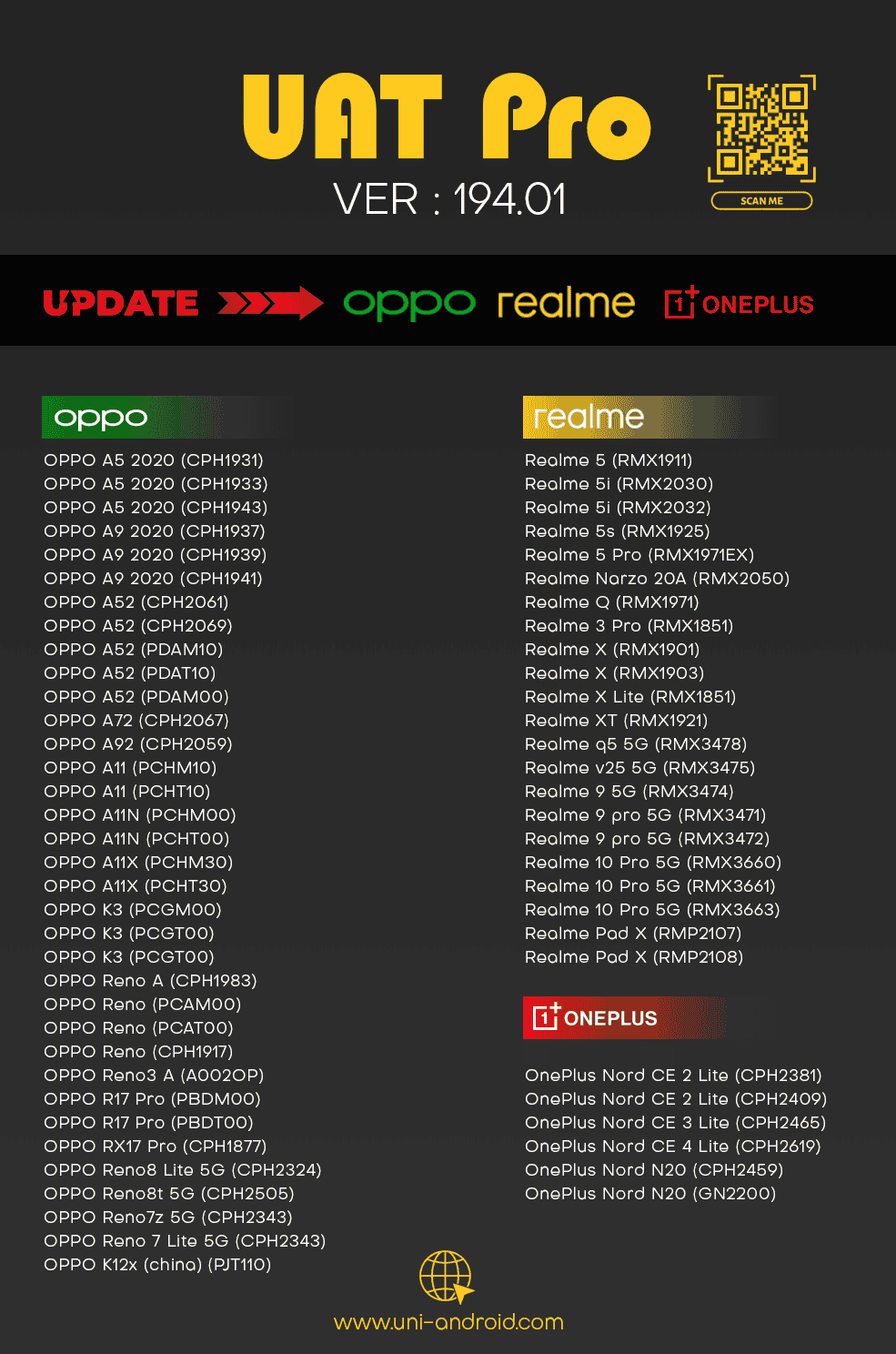
☀ OPPO | REALME | ONEPLUS
ADDED - Following Models Support by EDL Mode
Factory Reset | Reset FRP | Read | List Partitions
OPPO
 OPPO A5 2020 (CPH1931) OPPO A5 2020 (CPH1933) OPPO A5 2020 (CPH1943) OPPO A9 2020 (CPH1937) OPPO A9 2020 (CPH1939) OPPO A9 2020 (CPH1941) OPPO A52 (CPH2061) OPPO A52 (CPH2069) OPPO A52 (PDAM10) OPPO A52 (PDAT10) OPPO A52 (PDAM00) OPPO A72 (CPH2067) OPPO A92 (CPH2059) OPPO A11 (PCHM10) OPPO A11 (PCHT10) OPPO A11N (PCHM00) OPPO A11N (PCHT00) OPPO A11X (PCHM30) OPPO A11X (PCHT30) OPPO K3 (PCGM00) OPPO K3 (PCGT00) OPPO K3 (PCGT00) OPPO Reno A (CPH1983) OPPO Reno (PCAM00) OPPO Reno (PCAT00) OPPO Reno (CPH1917) OPPO Reno3 A (A002OP) OPPO R17 Pro (PBDM00) OPPO R17 Pro (PBDT00) OPPO RX17 Pro (CPH1877) OPPO Reno8 Lite 5G (CPH2324) OPPO Reno8t 5G (CPH2505) OPPO Reno7z 5G (CPH2343) OPPO Reno 7 Lite 5G (CPH2343) OPPO K12x (china) (PJT110)
REALME
Realme 5 (RMX1911) Realme 5i (RMX2030) Realme 5i (RMX2032) Realme 5s (RMX1925) Realme 5 Pro (RMX1971EX) Realme Narzo 20A (RMX2050) Realme Q (RMX1971) Realme 3 Pro (RMX1851) Realme X (RMX1901) Realme X (RMX1903) Realme X Lite (RMX1851) Realme XT (RMX1921) Realme q5 5G (RMX3478) Realme v25 5G (RMX3475) Realme 9 5G (RMX3474) Realme 9 pro 5G (RMX3471) Realme 9 pro 5G (RMX3472) Realme 10 Pro 5G (RMX3660) Realme 10 Pro 5G (RMX3661) Realme 10 Pro 5G (RMX3663) Realme Pad X (RMP2107) Realme Pad X (RMP2108)ONEPLUS
OnePlus Nord CE 2 Lite (CPH2381) OnePlus Nord CE 2 Lite (CPH2409) OnePlus Nord CE 3 Lite (CPH2465) OnePlus Nord CE 3 Lite (CPH2467) OnePlus Nord CE 4 Lite (CPH2619) OnePlus Nord N20 (CPH2459) OnePlus Nord N20 (GN2200)For Users Offering Software Rental servicesIf you provide software on rent for a specific duration (such as 1, 2, or 3 hours), you can now remotely close the tool-even
after the rental time has ended without accessing your client's PC.
Simply manage it from the Official Website → Account Tab.
For Remote Work Technicians Lost Client PC Connection?
If your connection to the client’s PC is lost but the tool remains open on their system — no need to change your password.
 Close Tool Remotely
You can now close the tool directly from Official Website → Account Tab, even without direct access to the client’s PC.
 Track Usage History
View when and where you last used the tool, including detailed location and timestamp information.
 Check Real-Time Status
Instantly see whether the tool is currently online or offline — all from the Official Website → Account Tab.
 Instant PC Change Option
You can now switch to a new PC instantly — no need to wait for a 60-minute reset.
Simply go to the Official Website → PC Change Tab to make the switch.
